got the cert. need some sleep.
Author: configedit
3524 (info local debian stretch remote jessie secured productionsite this blog ai english filesystem experiment flowing images database login alice solid noun server step quake work machine switch pronounce material word shell command feedback)
I’ ve run into some serious problems obtaining a wildcard-certificate from letsencrypt. the process itself for installing the solidserver is clear and the webserver is up and running. perhaps january, spring ??? who knows. yesterday boston, today gitter, tomorrow enger, everyday google and soon the world. the machine always gives debug-info. I’ ve been going through some stuff. apple 2, early unix-experiments, batman-online, the cambum, cms’ es, sql, java, characterreading with c and more, browsers, string manipulation, driveby, everyday learning and solid for sure is worth earning support.
—-
info local debian stretch remote jessie secured productionsite this blog ai english filesystem experiment flowing images database login alice solid noun server step quake work machine switch pronounce material word shell command feedback
3522 (growth and decisions)
Bob with insomnia writes a few lines about peace. Imagine a world where there is no need to struggle. Beware of prejusdices. A lunatic with a knife is crossing our streets ? Blacklisted we do change little by little. A hard road is layed out and we defend everything we have learned. Peace itself is trust. Peace itself is belief. Peace itself is love. Peace itself is respect. there’ s always some we behind the ego. cut.
Gegebenenfalls dient die Open-Source-Community als Modell. Strengthen your principles. Talk instead of murder and kindness instead of war. enough.
check for traps. open up. care. and think. doublethank and stay tuned. the xmas-holiday-project will happen at this hideous place.
3520 (and now the news)
| no | item |
|---|---|
| 0 | bauhaus |
| 1 | thorsten schröder |
| 2 | klimakonferenz kattowitz |
| 3 | dieselgipfel |
| 4 | opec-austritt von katar |
| 5 | steuer auf finanzgeschäfte |
| 6 | eu-verordnung zu online-shopping |
| 7 | jugendfreiwilligenjahr |
| 8 | jubiläum ns-aufklärungsjahr |
| 9 | sojus raketenstart |
| 10 | wettervorhersage |
| 11 | tagesthemen-hinweis |
3514 (some vowels and five numbers)
| item | no |
|---|---|
| a | 0 |
| e | 1 |
| i | 2 |
| o | 3 |
| u | 4 |
3510 (some unimportant not very temporary open source numbers)

#n
3508 (some album-cover)
3505 (inbox)
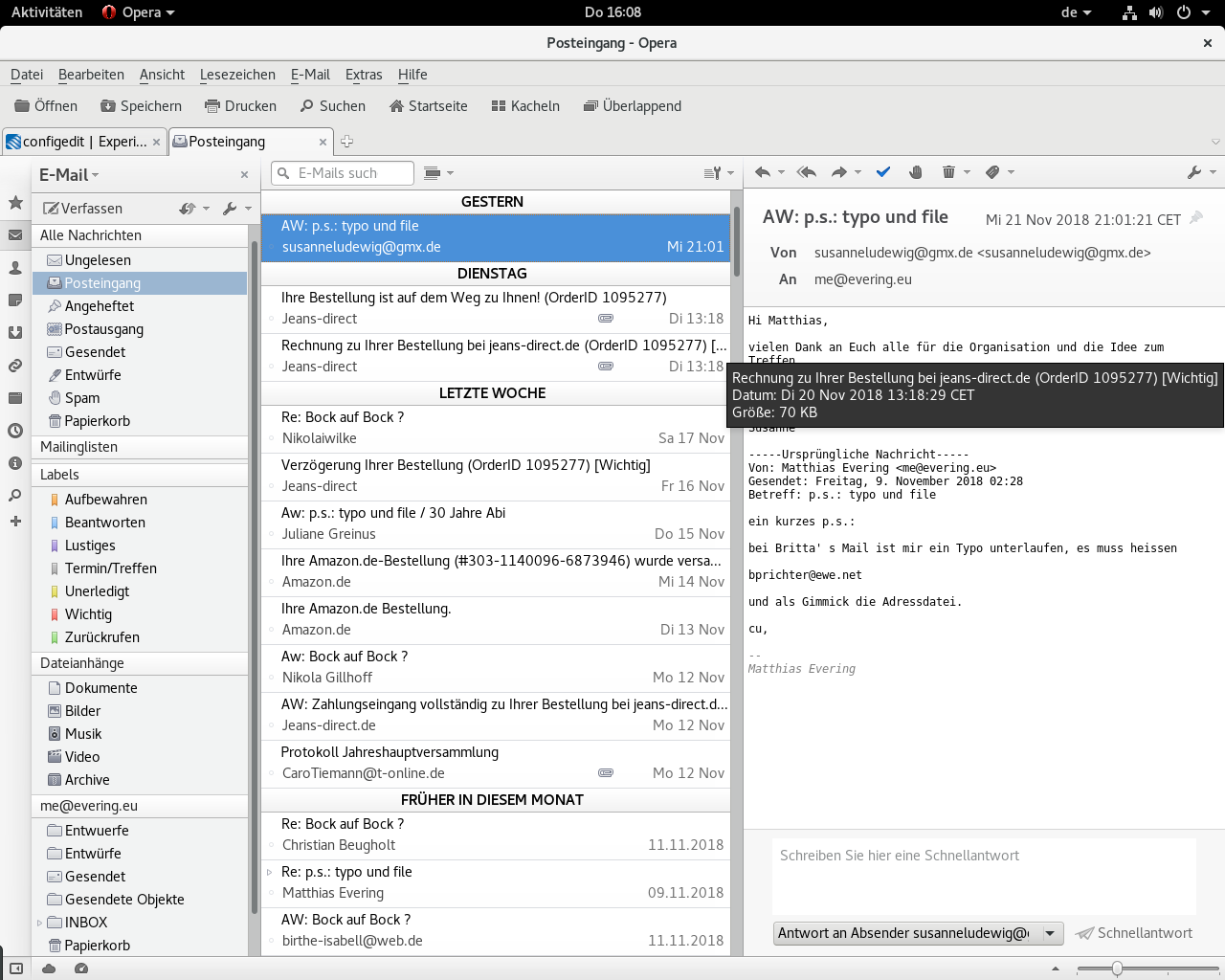
nan
3501 (serverproject interna)
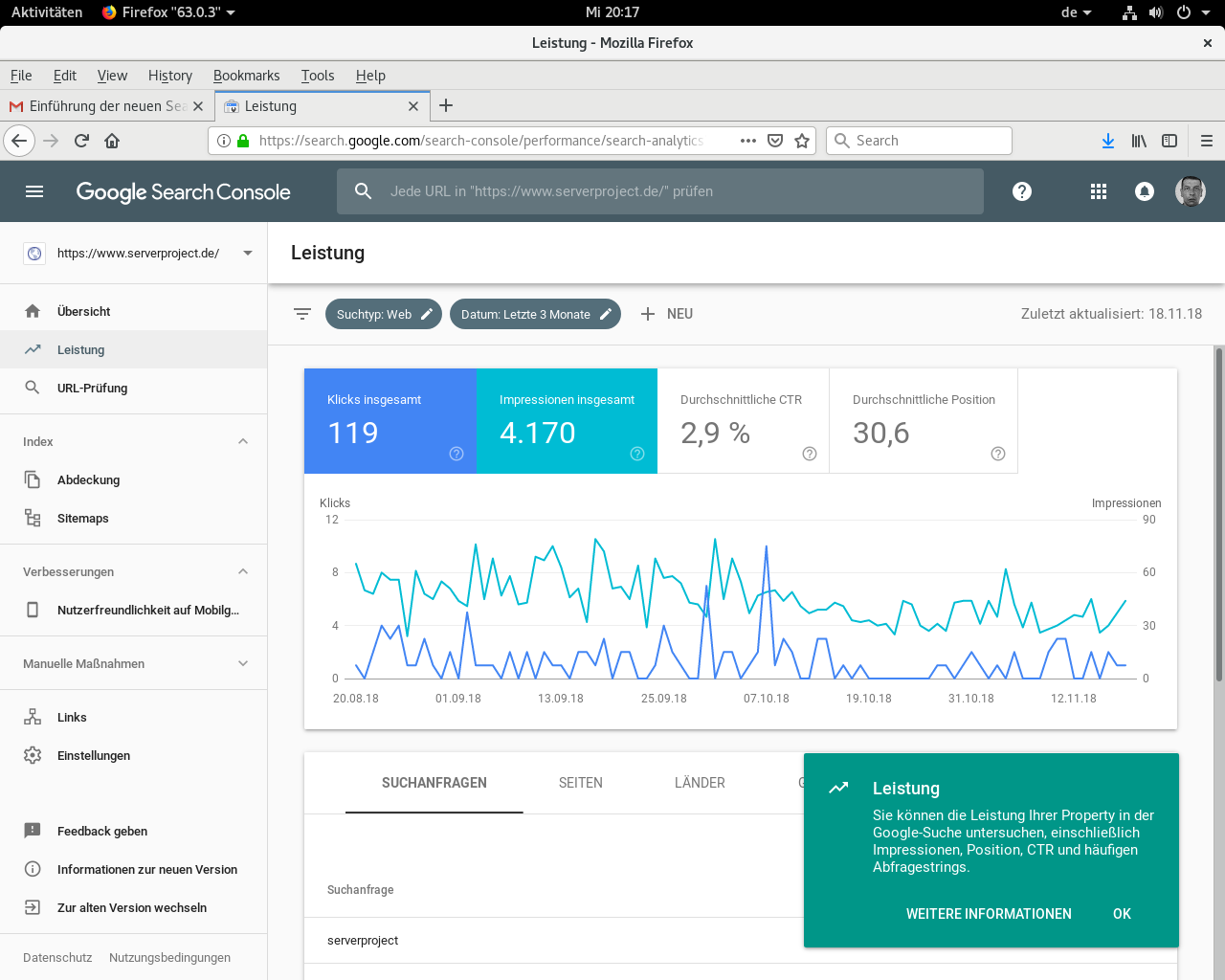
search console
—-
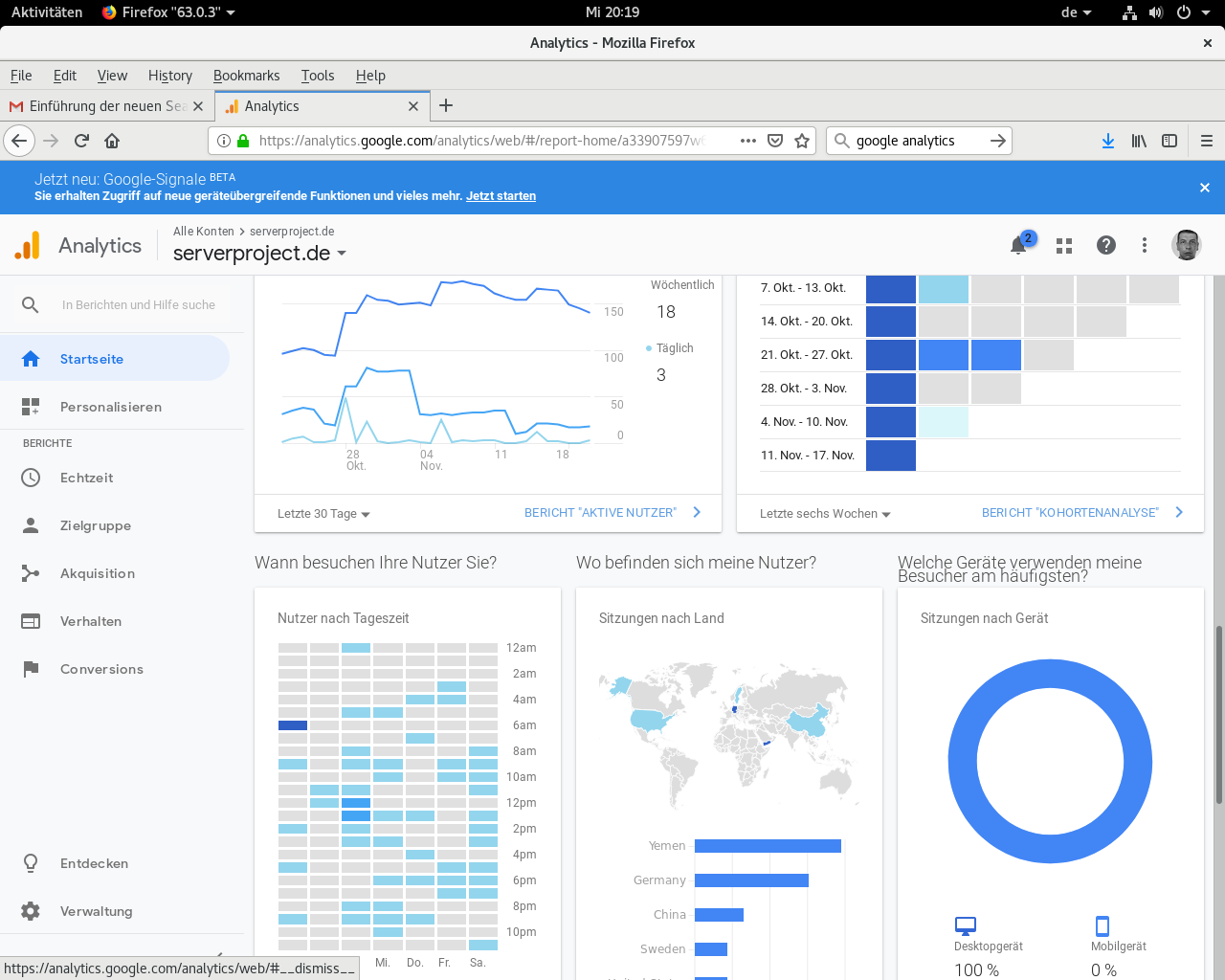
analytics
3499 (mirror)
installation des solid-servers auf debian.
translated from https://solid.inrupt.com/docs/installing-running-nss
wie in diesem howto installieren wir Node.js und npm:
curl -sL https://deb.nodesource.com/setup_8.x | sudo -E bash -
sudo apt-get install -y nodejs build-essential
als root installieren wir den server global:
npm install -g solid-server
nun müssen wir den hostnamen festlegen, wir werden im folgenden beispielhaft your.host.example.org verwenden. entscheiden sie ebenfalls, wo sie die dateien speichern, die der server zum laufen braucht. die datenbank mit konfiguration, daten und unterstützenden metadaten kann auch getrennt gehalten werden, wieauchimmer halten wir sie jedoch zusammen.
weil alles, was mit dem solid-server passiert, verschlüsselt ist, brauchen wir einen ssl-schlüssel und -zertifikat. diese bekommen wir z.b. bei let’ s encrypt. dies geht am einfachsten mit certbot. um certbot auf debian stable zu benutzen, brauchen wir backports. um diese zu verwenden, fügen wir der /etc/apt/sources.list folgendes hinzu:
deb http://ftp.debian.org/debian stretch-backports main
nun installieren wir certbot
apt-get update
apt-get -t stretch-backports install certbot
das zertifikat anfordern und installieren
certbot certonly --authenticator standalone -d your.host.example.org
now go
solid init
wir werden nach verschiedenen dingen geprompted, dies könnte so aussehen
? Path to the folder you want to serve. Default is /var/www/your.host.example.org/data
? SSL port to run on. Default is 8443 443
? Solid server uri (with protocol, hostname and port) https://your.host.example.org
? Enable WebID authentication Yes
? Serve Solid on URL path /
? Path to the config directory (for example: /etc/solid-server) /var/www/your.host.example.org/config
? Path to the config file (for example: ./config.json) /var/www/your.host.example.org/config.json
? Path to the server metadata db directory (for users/apps etc) /var/www/your.host.example.org/.db
? Path to the SSL private key in PEM format /etc/letsencrypt/live/your.host.example.org/privkey.pem
? Path to the SSL certificate key in PEM format /etc/letsencrypt/live/your.host.example.org/fullchain.pem
? Enable multi-user mode No
? Do you want to have a CORS proxy endpoint? Yes
? Serve the CORS proxy on this path /proxy
? Do you want to set up an email service? No
config created on /root/config.json
die pfade, die wir gewählt haben, müssen wir nun anlegen. ebenso müssen wir die config.json wo angegeben speichern.
nun sollten wir den server starten können
solid start
wir empfehlen, z.b. systemd zu verwenden, um den server automatisch zu starten und zu stoppen.
da es ein sicherheitsrisiko ist, den server als root zu betreiben, legen wir für ihn einen user an, beispielhaft so
adduser --system --ingroup www-data --no-create-home solid
nun legen wir die datei /lib/systemd/system/solid.service mit folgendem inhalt an
[Unit]
Description=solid - Social Linked Data
Documentation=https://solid.inrupt.com/docs/
After=network.target

[Service]
Type=simple
User=solid
WorkingDirectory=/var/www/your.host.example.org
ExecStart=/usr/bin/solid start -v
Restart=on-failure

[Install]
WantedBy=multi-user.target
symlink this
ln -s /lib/systemd/system/solid.service /etc/systemd/system/multi-user.target.wants/
wir weisen den verzeichnissen user zu
cd /var/www/your.host.example.org/
chown solid:www-data config/ data/ .db/
wir machen die config.json datei dem unprivilegierten user readable.
den server nun starten geht so
systemctl start solid.service
nun haben wir auch die anderen funktionalitäten, die durch systemd bereitgestellt werden. der start sollte nun automatisch nach bootvorgang erfolgen.
das zertifikat muss alle paar monate erneuert werden. wir weisen im Let’s Encrypt-setup an, das webroot plugin zu benutzen, das funktioniert besser in dem fall eines laufenden servers. um dies zu tun, editieren wir /etc/letsencrypt/renewal/your.host.example.org.conf
die authenticator line sollte so aussehen
authenticator = webroot
wir setzen ebenfalls folgendes
webroot_path = /var/www/your.host.example.org/data
[[webroot_map]]
your.host.example.org = /var/www/your.host.example.org/data
nun legen wir noch eine cronjobdatei in /etc/cron.daily/ folgenden inhalts an
#!/bin/bash
certbot renew -w /var/www/your.host.example.org/data/
fertig. das moduleREADME finden wir hier. be happy !

