#solidweb.org
4237 (solidweb.org running)
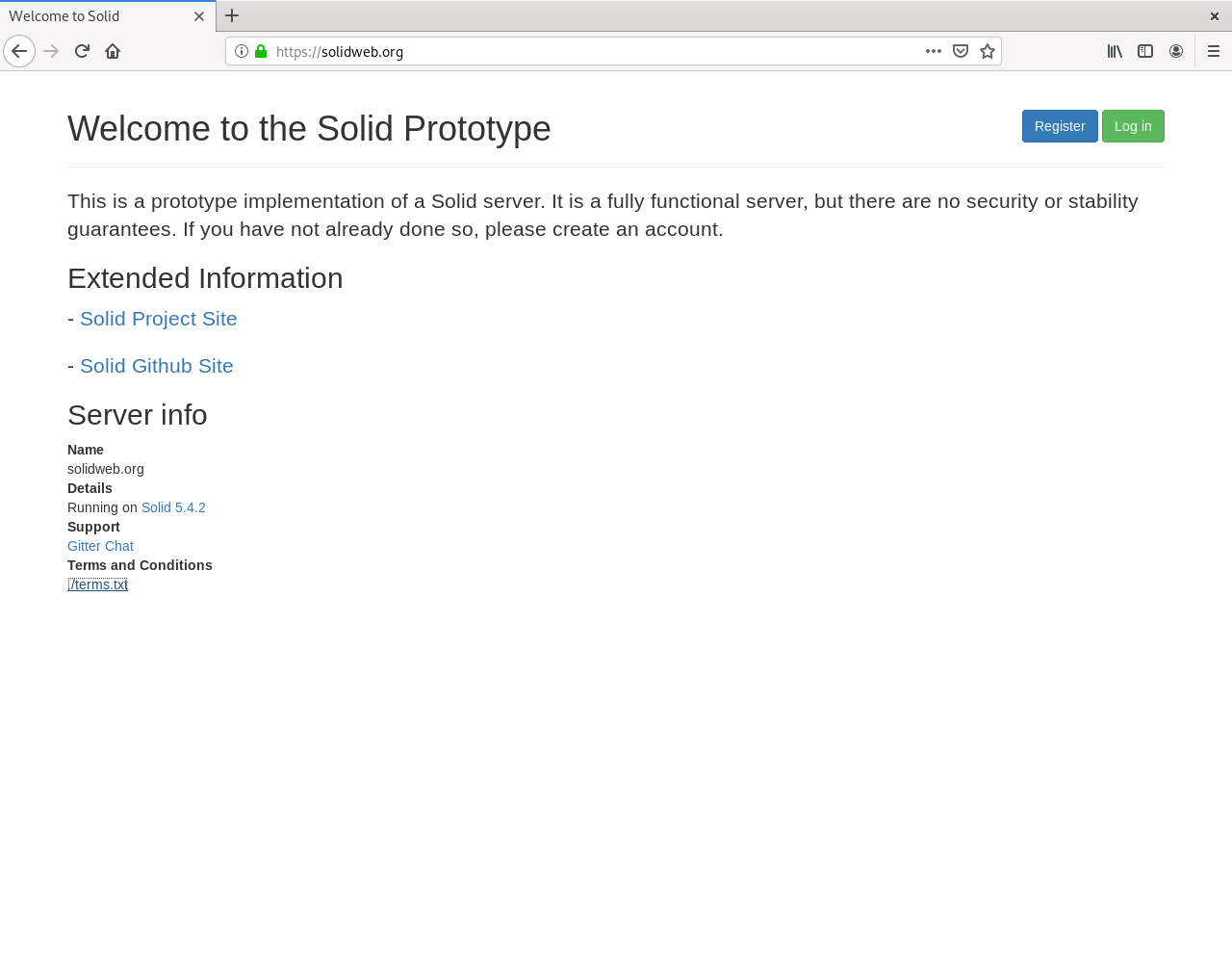
solidweb.org
—-
https://solidweb.org
—-
- install environment (Debian 10, https://kis.hosteurope.de)
- change and note password (Kundenadmin)
- ssh into the machine as root
- apt-get update
- apt-get upgrade
- apt-get install curl nano nginx
- systemctl stop apache2
- systemctl start nginx
- adduser --system --ingroup www-data --no-create-home solid
- wget https://dl.eff.org/certbot-auto (deprecated, should be replaced by
certbot) - mv certbot-auto /usr/local/bin/certbot-auto
- chown root /usr/local/bin/certbot-auto
- chmod 755 /usr/local/bin/certbot-auto
- cd /usr/local/bin/
- ./certbot-auto certonly \ --manual \ --preferred-challenges=dns \ --email evemat@web.de \ --server https://acme-v02.api.letsencrypt.org/directory \ --agree-tos \ -d solidweb.org -d *.solidweb.org
- DNS-Challenge
- chmod -R 755 /etc/letsencrypt/live/ /etc/letsencrypt/archive/
- curl -sL https://deb.nodesource.com/setup_16.x | sudo bash -
- apt-get install nodejs
- node -v
- npm -v
- npm install -g solid-server
- solid init
$ solid init
* ? Path to the folder you want to serve. Default is (./data) /var/www/html/data
? SSL port to run on. Default is (8443) 8443
? Solid server uri (with protocol, hostname and port) https://solidweb.org
? Enable WebID authentication Yes
? Serve Solid on URL path /
? Path to the config directory (for example: /etc/solid-server) (./config) /var/www/html/config
? Path to the config file (for example: ./config.json) (./config.json) /var/www/html/config.json
? Path to the server metadata db directory (for users/apps etc) (./.db) /var/www/html/.db
? Path to the SSL private key in PEM format /etc/letsencrypt/archive/solidweb.org/privkey1.pem
? Path to the SSL certificate key in PEM format /etc/letsencrypt/archive/solidweb.org/fullchain1.pem
? Enable multi-user mode Yes
? Do you want to set up an email service (y/N) N
? A name for your server (not required) solidweb.org
? A description of your server (not requred) undefined
? A logo (not required) undefined
? Do you want to enforce Terms & Conditions for your service (y/N) N
? Do you want to disable password strength checking (y/N) N
? The support email you provide for your users (not required) meisdata@gmail.com
config created on /root/config.json
"useEmail": true, "email": { "host": "smtp.sendgrid.net", "port": "465", "sender": "me@evering.eu", "secure": true, "auth": { "user": "apikey", "pass": "xxxxxx" } }
- copy to /var/www/html/config.json
- create /lib/systemd/system/solid.service
[Unit]
Description=solid - Social Linked Data
Documentation=https://solid.inrupt.com/docs/
After=network.target

[Service]
Type=simple
User=solid
WorkingDirectory=/var/www/html
ExecStart=/usr/bin/solid start
Restart=on-failure

[Install]
WantedBy=multi-user.target
- ln -s /lib/systemd/system/solid.service /etc/systemd/system/multi-user.target.wants/
- chown solid:www-data /var/www/html/config.json
- cd /var/www/html
- chown -R solid:www-data config data .db
- create /etc/nginx/sites-available/default
# Nginx configuration for Solid on Port 8443

## Redirects all HTTP traffic to the HTTPS host
server {
  ## In case of conflict, either remove "default_server" from the listen line below,
  ## or delete the /etc/nginx/sites-enabled/default file.
  listen 0.0.0.0:80;
  listen [::]:80;
  server_name solidweb.org;
  server_tokens off; ## Don't show the nginx version number, a security best practice
  return 301 https://$http_host$request_uri;
  access_log  /var/log/nginx/solid_access.log;
  error_log   /var/log/nginx/solid_error.log;
}

server {
  listen *:443 ssl;
  listen [::]:443 ssl;
  server_name solidweb.org;
  server_tokens off;

  access_log  /var/log/nginx/solid_ssl_access.log;
  error_log   /var/log/nginx/solid_ssl_error.log;

ssl_certificate /etc/letsencrypt/archive/solidweb.org/fullchain1.pem;
ssl_certificate_key /etc/letsencrypt/archive/solidweb.org/privkey1.pem;

root /var/www/html; #webroot

  ## [Optional] Enable HTTP Strict Transport Security
  ## HSTS is a feature improving protection against MITM attacks
  ## For more information see: https://www.nginx.com/blog/http-strict-transport-security-hsts-and-nginx/
  add_header Strict-Transport-Security "max-age=31536000; includeSubDomains";

  location / {
    proxy_pass https://localhost:8443;

    gzip off;
    proxy_redirect off;

    ## Some requests take more than 30 seconds.
    proxy_read_timeout      300;
    proxy_connect_timeout   300;
    proxy_redirect          off;

    proxy_http_version 1.1;

    proxy_set_header    Host                $http_host;
    proxy_set_header    X-Real-IP           $remote_addr;
    proxy_set_header    X-Forwarded-Ssl     on;
    proxy_set_header    X-Forwarded-For     $proxy_add_x_forwarded_for;
    proxy_set_header    X-Forwarded-Proto   $scheme;

    proxy_set_header Upgrade $http_upgrade;
    proxy_set_header Connection "upgrade";
  }

}
- systemctl restart nginx
- nano /var/www/html/config/templates/new-account/settings/serverSide.ttl
@prefix dct: <http://purl.org/dc/terms/>.
@prefix pim: <http://www.w3.org/ns/pim/space#>.
@prefix solid: <http://www.w3.org/ns/solid/terms#>.

<>
  a pim:ConfigurationFile;

  dct:description "Administrative settings for the POD that the user can only read." .

</>
    solid:storageQuota "250000000" .
- systemctl start solid.service
4156 (terms of solidweb.org)
Terms and Conditions

Admin-C (physical location)

Matthias Evering
Erlenweg 32
32049 Herford
52,1306849N/8,7045487E
Germany

Technical Details

Version: NSS 5.2.4
Host System: Virtual Server, Containervirtualization
OS: Debian 8, Kernel 3.16.0-042stab140.1
Hardware: 2 vCores, 2GB RAM, 100GB SSD
SSL handled by letsencrypt.org
allowed Quota: 100MB
Server location: Strassburg
Running since: Thu Aug 15 13:32:22 2019

Info

Jurisdictional Info: Germany, EU, Global
assured Right to create, move and delete

Project

https://solidproject.org
https://github.com/solid

----

your data. your rights.
3773 (#solidweb.org)

we have production reached: https://solidweb.org
3761 (status and concept)
we have an ip and a fqdn on a dedicated machine
we have cert and wildcard-cert
we have apache with a redirect-message in /var/www/html
we have nodejs amd npm
we have solid running on 8443
we have successfully created an account
we can view the hp and the card
we can’ t log in
we will continue with nginx and reverse proxy (//edit: things turned out we went with apache)
communication is mostly read and have server listed on github
all of this is a sparetime project
just like the title of this blog says since 2012
experiment and exercise
just follow your nose
3667 (finally)

solidweb.org up and running
—-
https://solidweb.org
—-
just for security reasons I have changed and strengthened root- and userpasswords at home- and remotemachine.
c ya
3624 (solidweb.org)
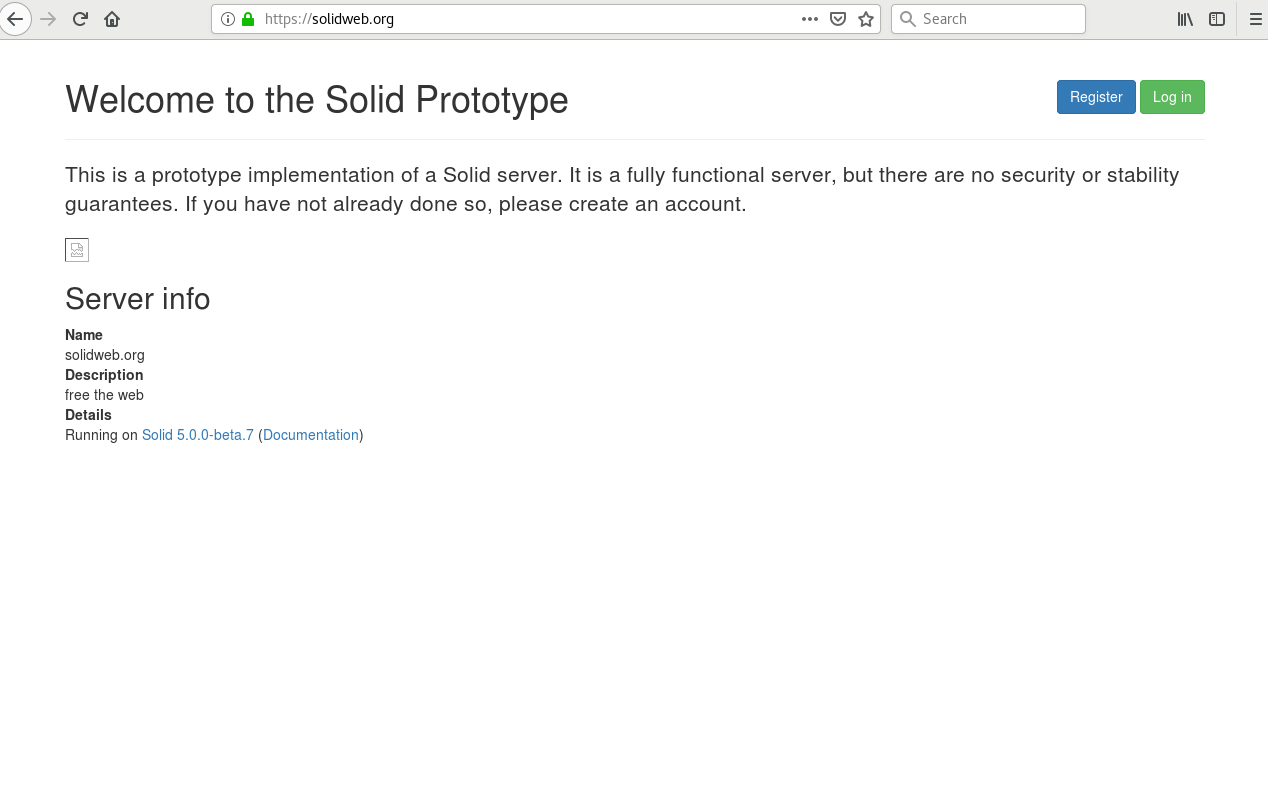
solidweb.org
—-
domain on
server created
ssl running
reverse proxied positive
account created
startpage screenshot above
issues:
wildcard certificate
systemd service
profile page (card#me)
3621 (so far)
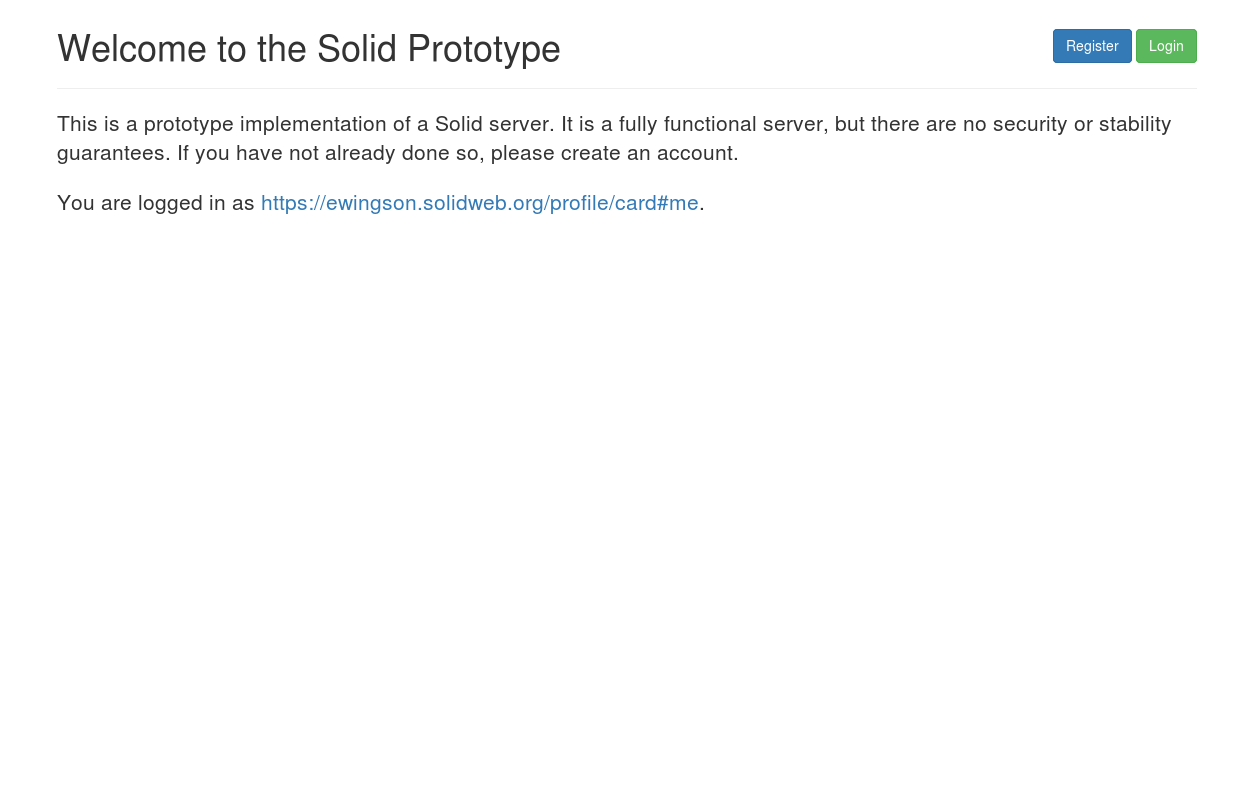
cross-site-logins
3583 (some further steps)
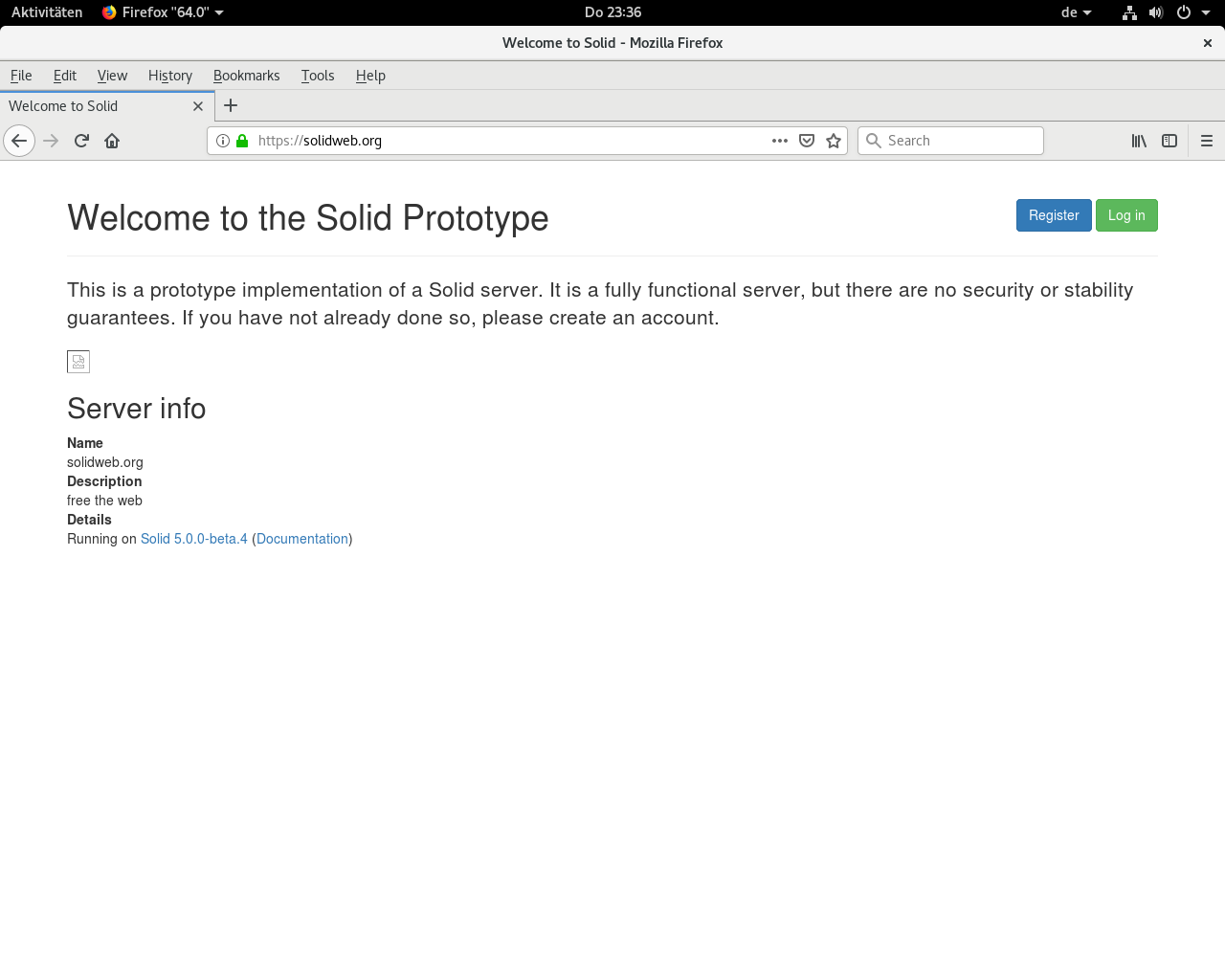
solidweb.org
—-
solid server up and running (only part time).
I have managed the force nonwww and https and set up the reverse proxy.
not running as service yet.
also an issue with creating accounts, but seen practical the web server and data hub is in function. only online when my home machine is up.
3531 (ELF)
initELF
<?xml version="1.0" encoding="UTF-8"?>
<!DOCTYPE ELF SYSTEM "dtdfile.dtd">
<?xml-stylesheet type="text/xsl" href="_perform_.xsl" ?>
<ELF>
<root>
<row_ active = "yes">
<id_>0</id_>
<init_>
<source_>
<ipv4_>83.169.46.66</ipv4_>
<ipv6_>not set</ipv6_>
<protocol_>https</protocol_>
<name_>https://solidweb.org/</name_>
<fqdn_>lvps83-169-46-66.dedicated.hosteurope.de</fqdn_>
<rootdir_>/</rootdir_>
<workdir_>.</workdir_>
<treename_>/var/www/html</treename_>
<var_>x</var_>
</source_>
<comment_>some os</comment_>
<author_>ewingson, crowd</author_>
</init_>
</row_>
<row_ active = "no">
<id_>1</id_>
<init_>undefined</init_>
</row_>
</root>
</ELF>
dtdfile.dtd
<!ELEMENT ELF (#PCDATA | root)*>
<!ELEMENT root (#PCDATA | row_)*>
<!ELEMENT row (#PCDATA | id_ | init_)*>
<!ELEMENT id_ (#PCDATA)>
<!ELEMENT init (#PCDATA | source_ | comment_ | author_)*>
<!ELEMENT source (#PCDATA | ipv4_ | ipv6_ | protocol_ | name_ | fqdn_ | rootdir_ | workdir_ | treename_ | var_)*>
<!ELEMENT ipv4_ (#PCDATA)>
<!ELEMENT ipv6_ (#PCDATA)>
<!ELEMENT protocol_ (#PCDATA)>
<!ELEMENT name_ (#PCDATA)>
<!ELEMENT fqdn_ (#PCDATA)>
<!ELEMENT rootdir_ (#PCDATA)>
<!ELEMENT workdir_ (#PCDATA)>
<!ELEMENT treename_ (#PCDATA)>
<!ELEMENT var_ (#PCDATA)>
<!ELEMENT comment_ (#PCDATA)>
<!ELEMENT author_ (#PCDATA)>
_perform_.xsl
<?xml version="1.0" encoding="UTF-8"?>
<xsl:stylesheet version="1.0" xmlns:xsl="http://www.w3.org/1999/XSL/Transform">

<xsl:template match="/">
 <html><head></head><body style="font-family:Verdana; font-size:13px; color:green"><table border="1">
  <xsl:apply-templates />
 </table></body></html>
</xsl:template>

<xsl:template match="root">
 <tr><xsl:apply-templates /></tr>
</xsl:template>

<xsl:template match="row_">
 <tr><xsl:apply-templates /></tr>
</xsl:template>

<xsl:template match="id_">
<tr><xsl:apply-templates /></tr>
</xsl:template>

<xsl:template match="init_">
 <tr><xsl:apply-templates /></tr>
</xsl:template>

<xsl:template match="source_">
 <td><xsl:value-of select="." /></td>
</xsl:template>

<xsl:template match="ipv4_">
 <td><xsl:value-of select="." /></td>
</xsl:template>

<xsl:template match="ipv6_">
 <td><xsl:value-of select="." /></td>
</xsl:template>

<xsl:template match="protocol_">
 <td><xsl:value-of select="." /></td>
</xsl:template>

<xsl:template match="name_">
 <td><xsl:value-of select="." /></td>
</xsl:template>

<xsl:template match="fqdn_">
 <td><xsl:value-of select="." /></td>
</xsl:template>

<xsl:template match="rootdir_">
 <td><xsl:value-of select="." /></td>
</xsl:template>

<xsl:template match="wordir_">
 <td><xsl:value-of select="." /></td>
</xsl:template>

<xsl:template match="treename_">
 <td><xsl:value-of select="." /></td>
</xsl:template>

<xsl:template match="var_">
 <td><xsl:value-of select="." /></td>
</xsl:template>

<xsl:template match="comment_">
 <td><xsl:value-of select="." /></td>
</xsl:template>

<xsl:template match="author_">
 <td><xsl:value-of select="." /></td>
</xsl:template>

</xsl:stylesheet>
 Solid Experiments