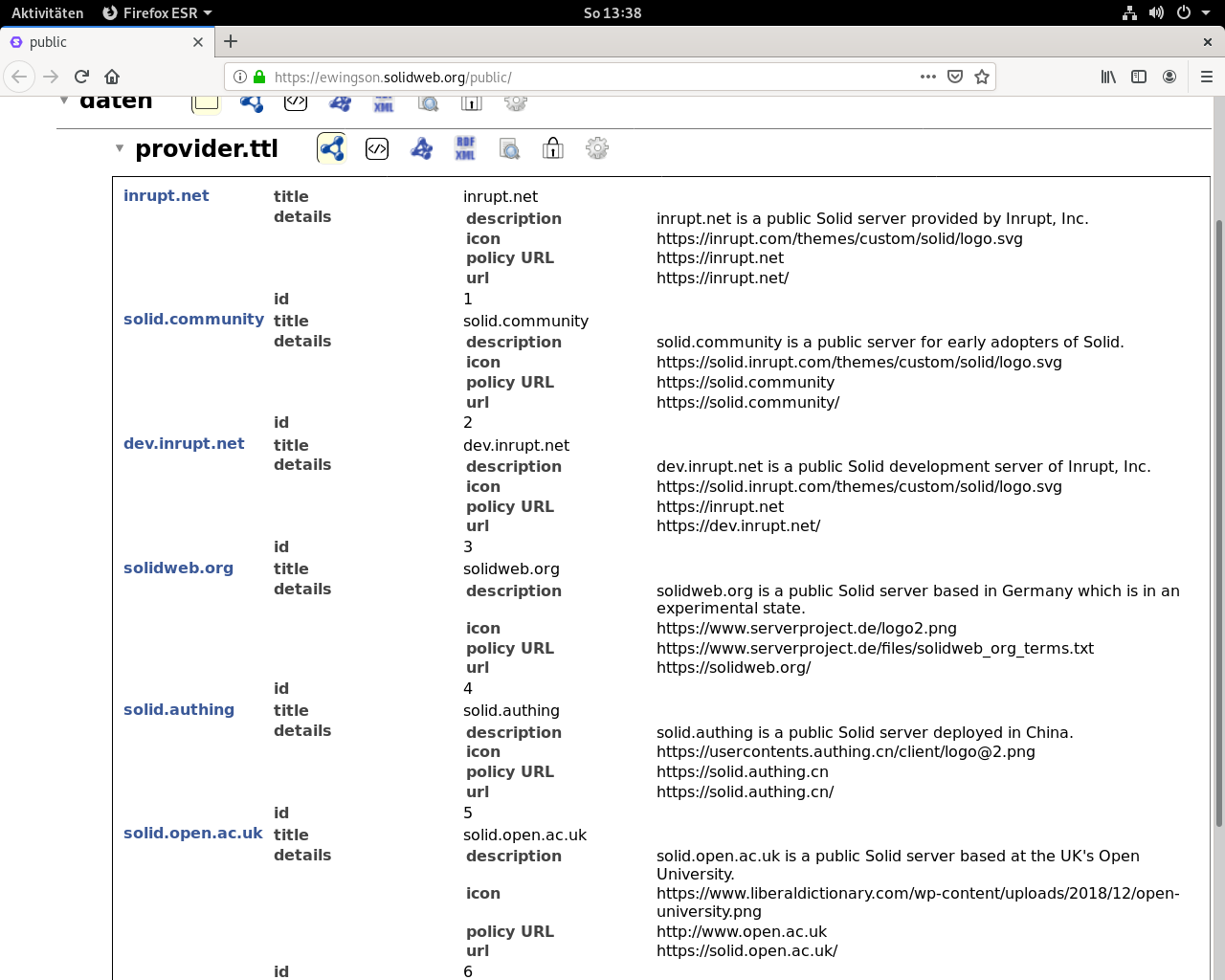
provider.ttl
provider.ttl
Terms and Conditions

Admin-C (physical location)

Matthias Evering
Erlenweg 32
32049 Herford
52,1306849N/8,7045487E
Germany

Technical Details

Version: NSS 5.2.4
Host System: Virtual Server, Containervirtualization
OS: Debian 8, Kernel 3.16.0-042stab140.1
Hardware: 2 vCores, 2GB RAM, 100GB SSD
SSL handled by letsencrypt.org
allowed Quota: 100MB
Server location: Strassburg
Running since: Thu Aug 15 13:32:22 2019

Info

Jurisdictional Info: Germany, EU, Global
assured Right to create, move and delete

Project

https://solidproject.org
https://github.com/solid

----

your data. your rights.
#solid-brainwriting
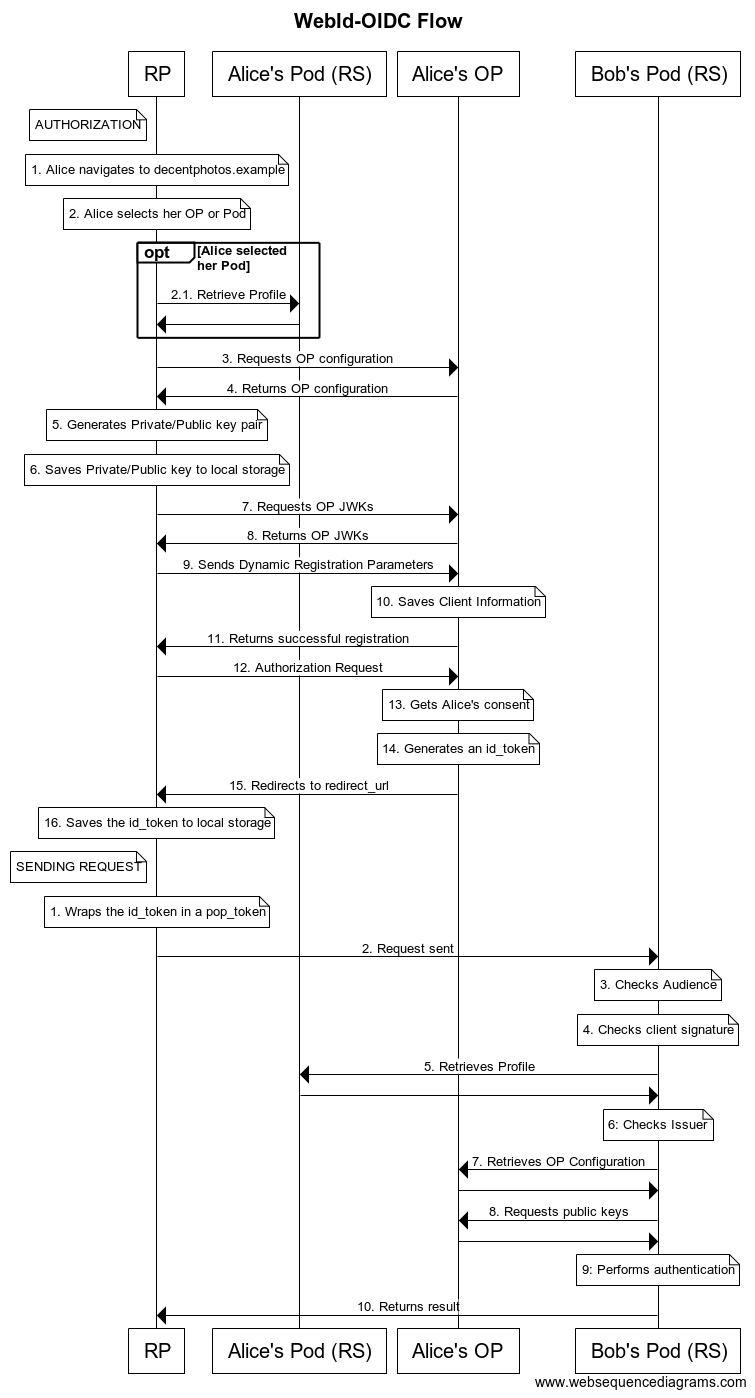
codebase is at github the coreteam is just a bunch of folks the community is endless it' s about linked data expressed in turtle or rdf authing is essential for the functionality of the system fine granulated access control is managed with the help of access control lists which are stored in .acl-files they seem to be some kind of meta- or extended data attached to files in the storage system, which is apart from the unique identity management the second main functionality of a pod pod is personal online datastore timbl is the father of the system as everyone can imagine easily different layers need to be examined http is definately standardized a common used linguistic structure would look like follows (called a quad) subject predicate object why where the first three have certain rules to be applied and the fourth would be the socalled graph the semantic web as a whole would be called giant global graph no one knows if this thing really exists the subject would be the thing to be examined and is probably just a word (could be a string) the predicate is an URI which means it' s part of a certain vocabulary and worldwide unique the object MAY be an URI or a literal (that means either a string or a number) the graph would be the returned SOMETHING and can be considered as the answer to the query rules to the concatination of the four things MUST be applied so a quad can be considered as a literally linguistic semantic structure NSS (Node Solid Server) is written in javascript and running under node/npm the actual version (february 2020) is 5.2.3 a databrowser is running as standard app and displays the storage system and gives main exploration possibilities the user is enabled to create a webid, which is a unique URI holding the card (this can be thought of as the profile) the solid-compliant applications read and write from and to the POD and the user has autonomous control over the data (and naturally owns it) the authentication is done openid-way (OIDC) (v0.8 or v1.0) ONE aim of the project is to make multiple logins across multiple apps obsolete because you have total control over the stored data and can assign the apps the minimum possible access-rights the user should be able to move his data across multiple PODs one user can have multiple webids hold at multiple identity providers best case is different apps are enabled to talk to each other control is shifted from the serverside to the clientside the system can be installed locally via npm at localhost, but if you want a POD-server a root-server would make the most sense of it the contacts are managed by the foaf-logic (Friend of a Friend) a whole new ecosystem evolves the specification should be understood as work-in-progress as of easter 2020 we have 5-6 discovered public pod-servers in 2021 SolidOS gets in the focus as of summer 2021 we have five pod providers that seem reliable all efforts are being strengthened, public convincing of the concept as well as the technical side in late 2021 the community solid server has a working 1.1.0 version and adds functionality to the family of the ecosystem but the whole solidverse is a long term project and still in an early phase see, much app development is done the core system is mashlib which is called a databrowser otherwise
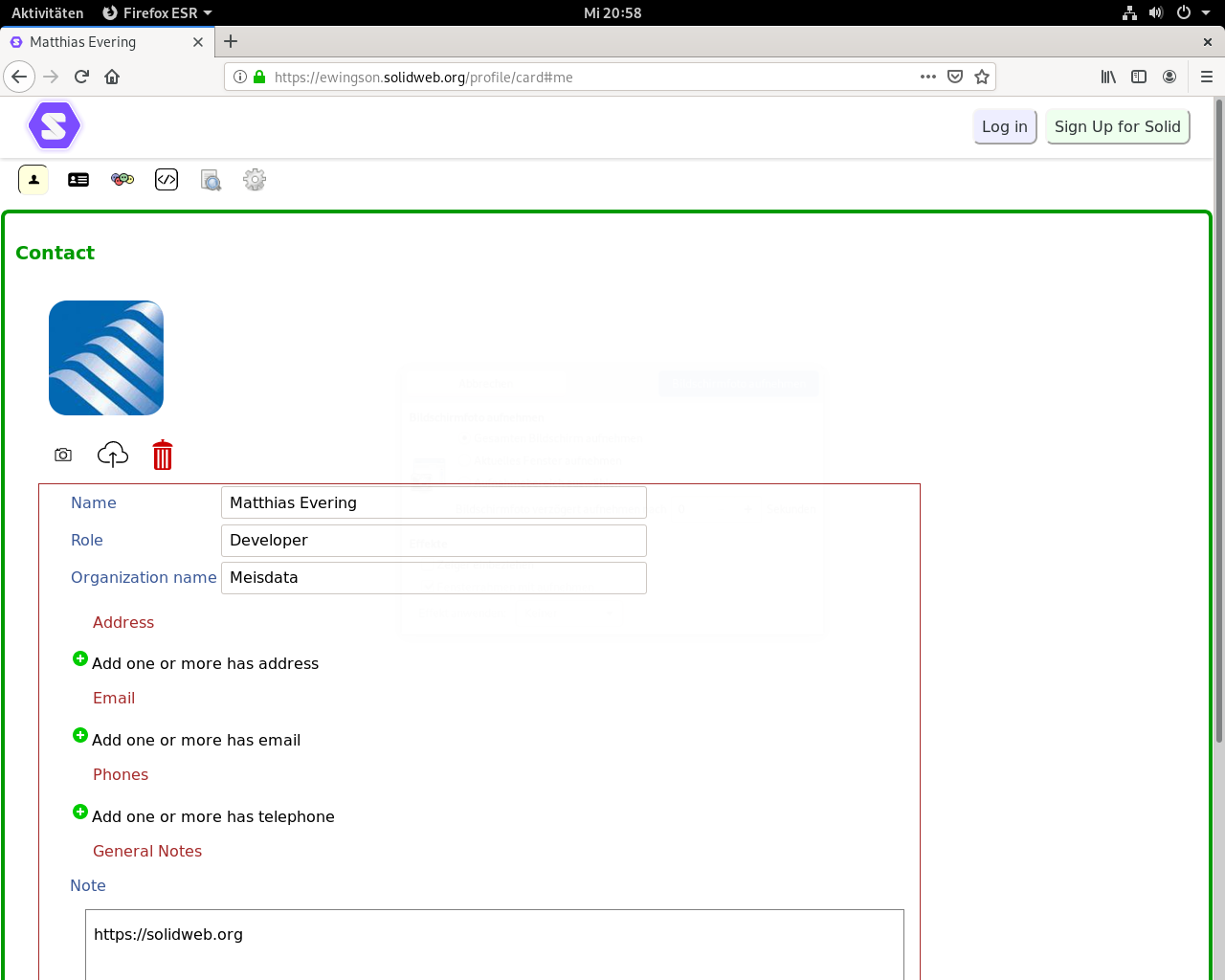
Profile View
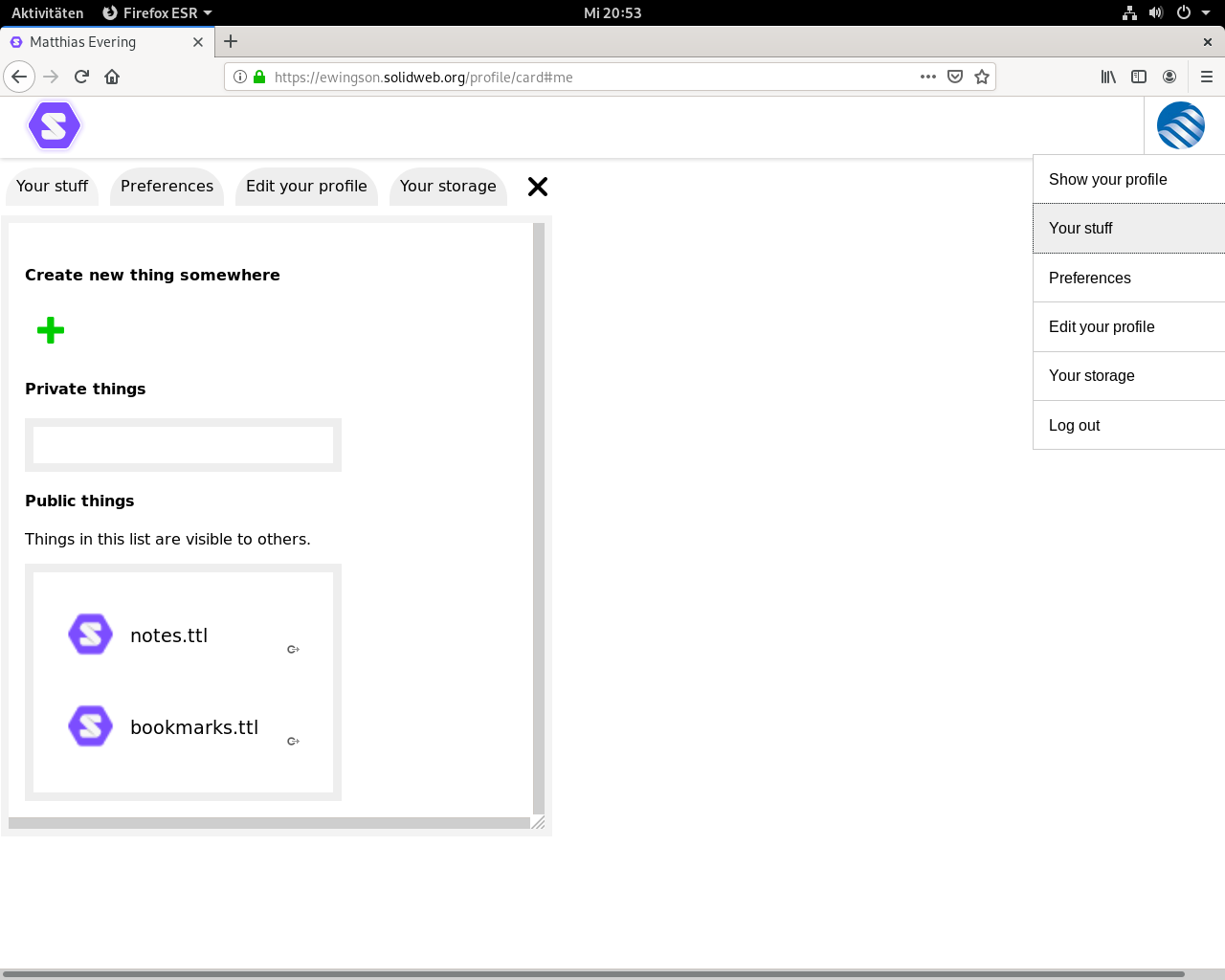
Logged in
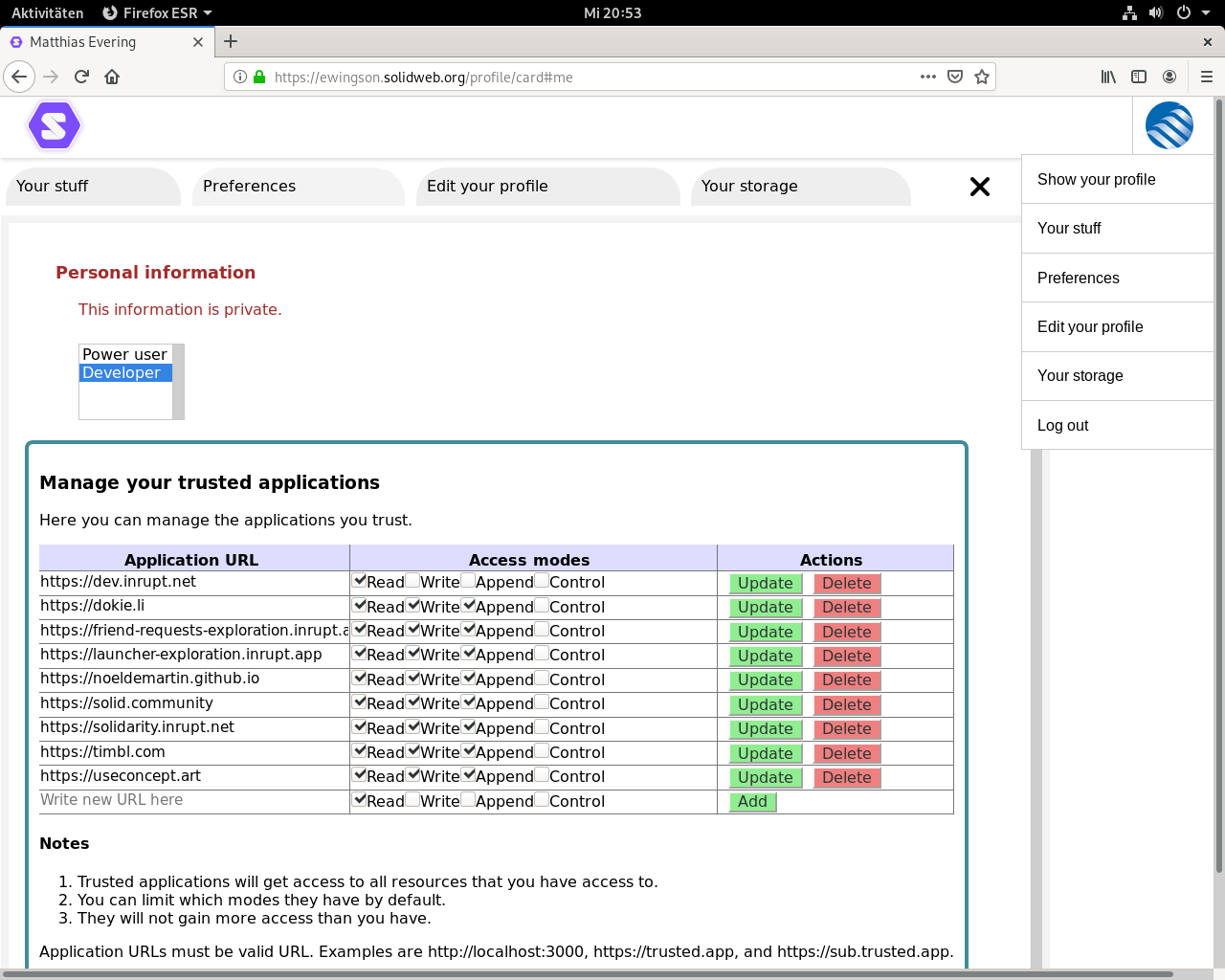
Trusted Apps
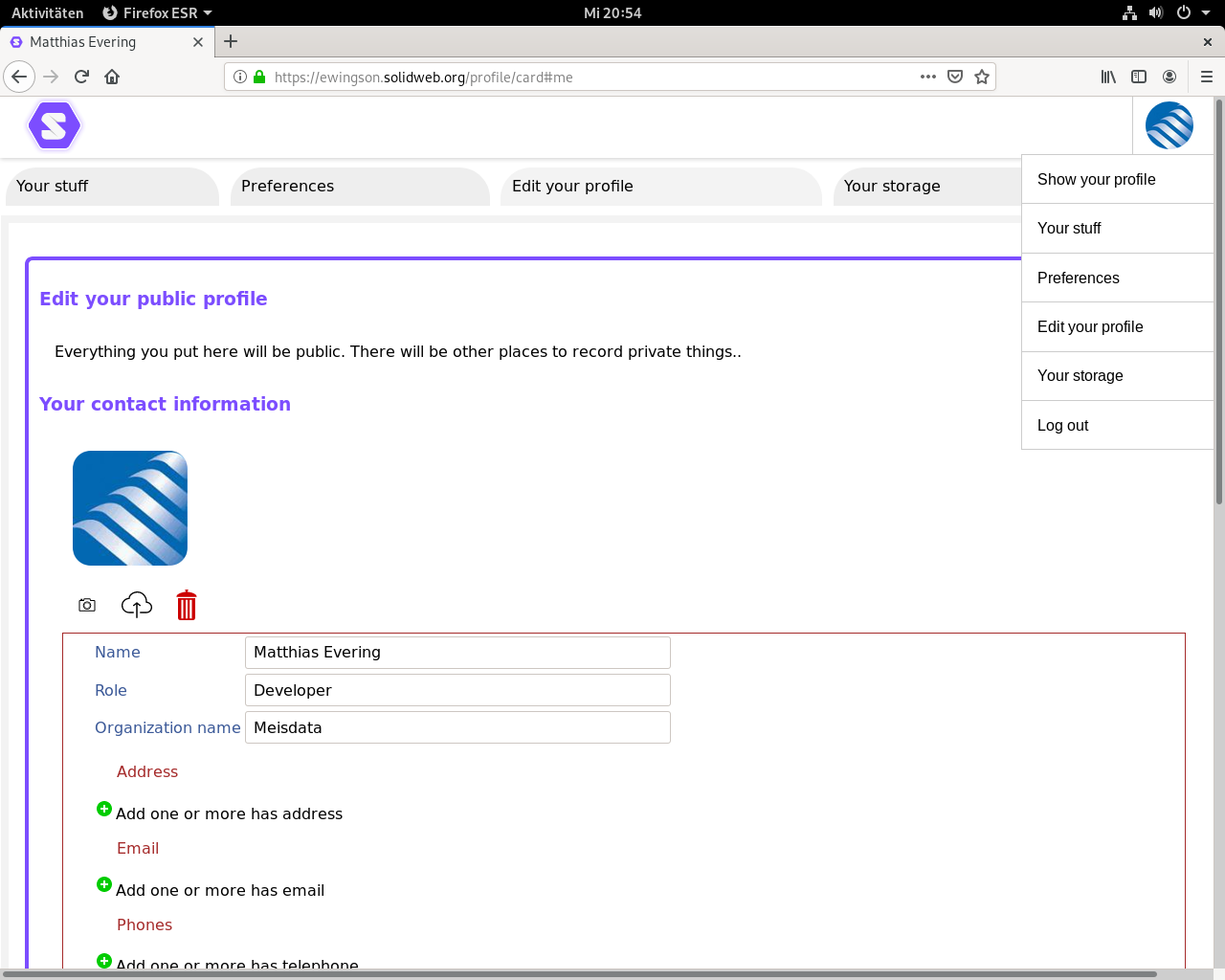
Edit Profile
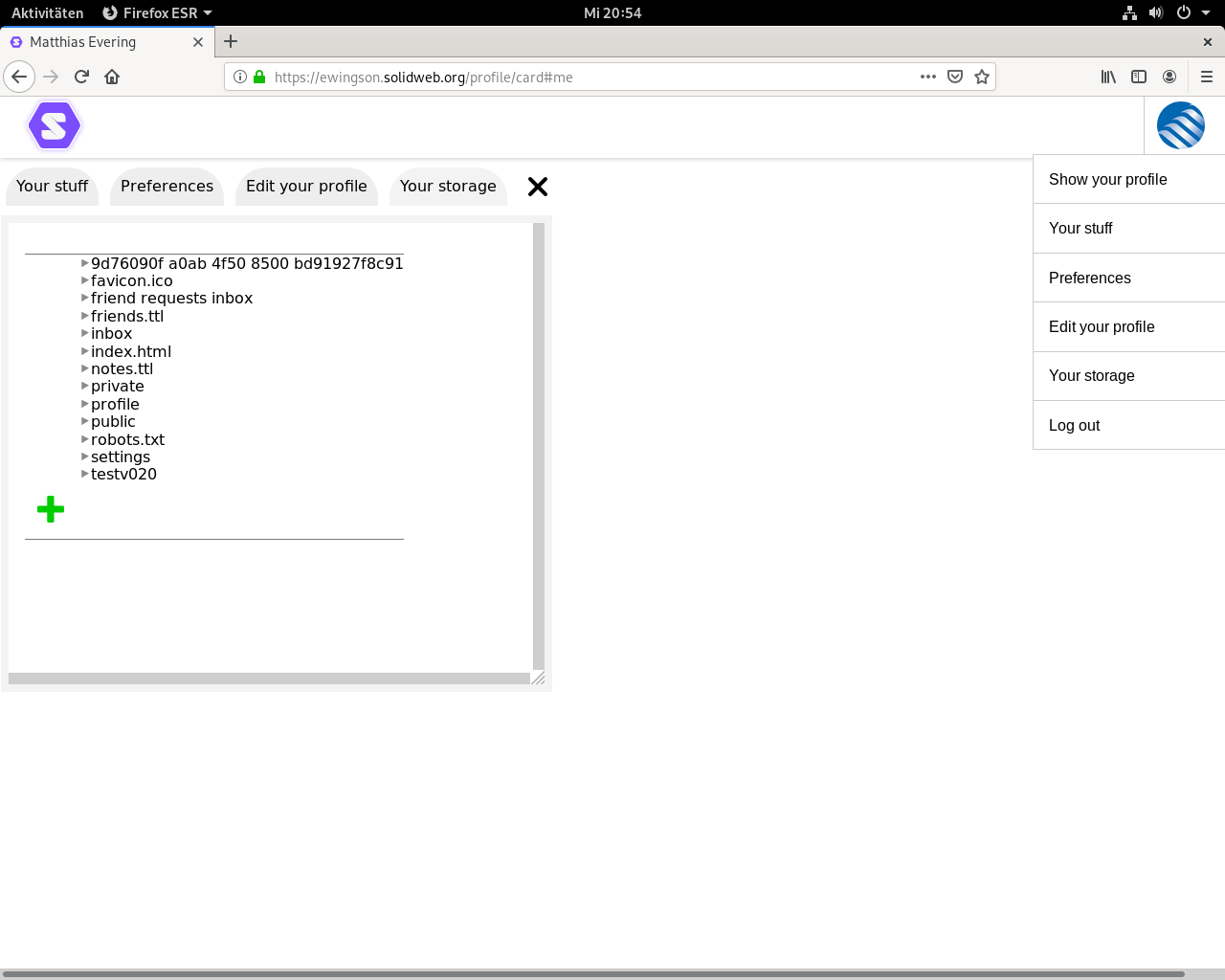
Storage
for the solid side of it I used
{
  "root": "/var/www/html/data",
  "port": "8443",
  "serverUri": "https://solidweb.org",
  "webid": true,
  "mount": "/",
  "configPath": "/var/www/html/config",
  "configFile": "/var/www/html/config.json",
  "dbPath": "/var/www/html/.db",
  "sslKey": "/etc/letsencrypt/archive/solidweb.org/privkey4.pem",
  "sslCert": "/etc/letsencrypt/archive/solidweb.org/fullchain4.pem",
  "multiuser": true,
  "enforceToc": false,
  "disablePasswordChecks": false,
  "supportEmail": "meisdata@gmail.com",
  "server": {
    "name": "solidweb.org",
    "description": "",
    "logo": ""
  }
}
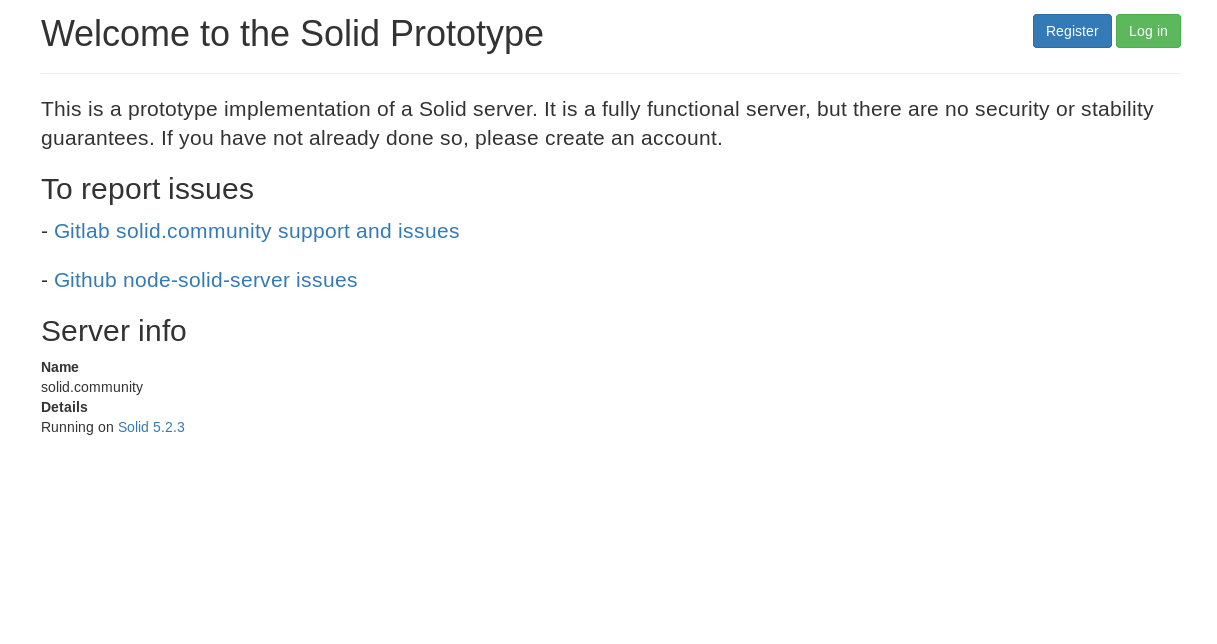
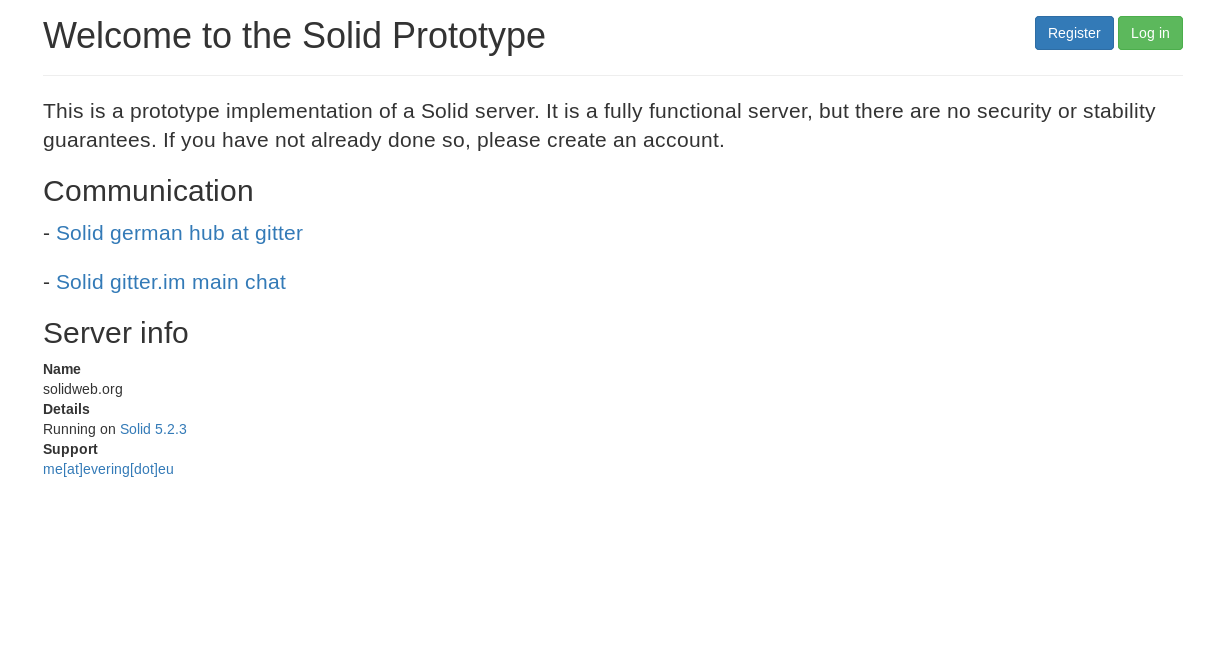
reference server
experimental instance
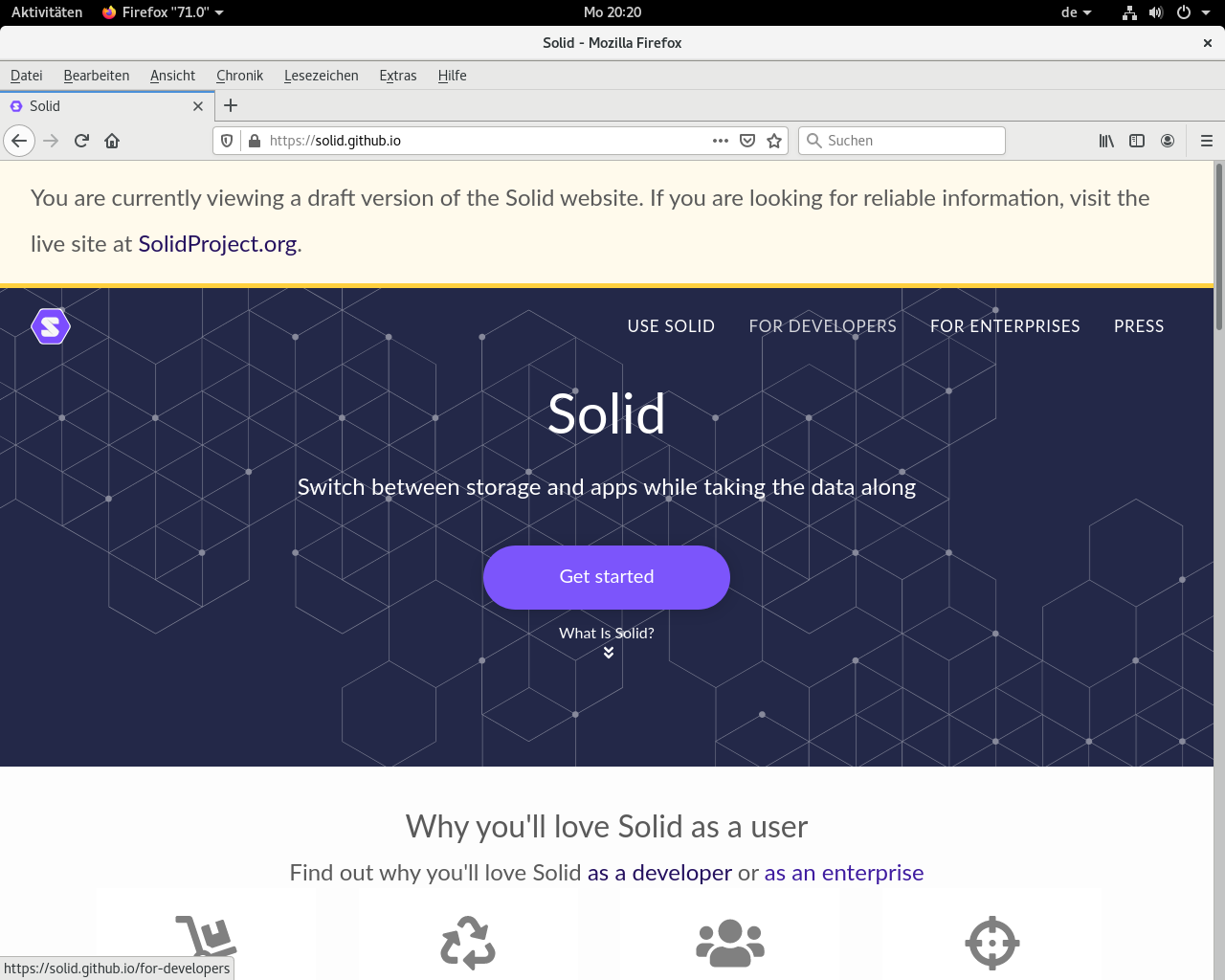
https://github.com/ewingson/solid.github.io/blob/master/pages/implement-a-pod.md
https://developer.mozilla.org/en-US/docs/Web/HTTP/Methods
—-
| connect root-server to net (depends on provider) (you will need ssh)<br /> | |
| * order vserver at provider of your choice<br /> | |
| assign FQDN to the machine<br /> | |
| * setup DNS properly<br /> | |
| get and deploy https certificate<br /> | |
| * ssh into the machine<br /> | |
| * deploy two certificates with letsencrypt/certbot (domain-cert and wildcard-cert)<br /> | |
| (you will need to edit a DNS-text-record depending on the challenge) | |
| apache config<br /> | |
| * enable modules (ssl.conf, ssl.load, proxy.conf, proxy.load, proxy_html.conf, proxy_html.load, proxy_http.conf, proxy_http.load, rewrite.load, socache_shmcb.load) | |
| * edit 000-default.conf | |
| * edit default-ssl.conf | |
| install nodejs and npm<br /> | |
| * https://crycode.de/installation-von-node-js<br /> | |
| install solid server<br /> | |
| * `$ npm install -g solid-server`<br /> | |
| init solid server (config)<br /> | |
| * ? Path to the folder you want to serve. Default is (./data) /var/www/your.host.example.org/data<br /> | |
| ? SSL port to run on. Default is (8443) 8443<br /> | |
| ? Solid server uri (with protocol, hostname and port) https://your.host.example.org<br /> | |
| ? Enable WebID authentication Yes<br /> | |
| ? Serve Solid on URL path /<br /> | |
| ? Path to the config directory (for example: /etc/solid-server) (./config) /var/www/your.host.example.org/config<br /> | |
| ? Path to the config file (for example: ./config.json) (./config.json) /var/www/your.host.example.org/config.json<br /> | |
| ? Path to the server metadata db directory (for users/apps etc) (./.db) /var/www/your.host.example.org/.db<br /> | |
| ? Path to the SSL private key in PEM format /etc/letsencrypt/live/your.host.example.org/privkey.pem<br /> | |
| ? Path to the SSL certificate key in PEM format /etc/letsencrypt/live/your.host.example.org/fullchain.pem<br /> | |
| ? Enable multi-user mode Yes<br /> | |
| ? Do you want to set up an email service (y/N) N<br /> | |
| ? A name for your server (not required) your.host.example.org<br /> | |
| ? A description of your server (not requred) undefined<br /> | |
| ? A logo (not required) undefined<br /> | |
| ? Do you want to enforce Terms & Conditions for your service (y/N) N<br /> | |
| ? Do you want to disable password strength checking (y/N) N<br /> | |
| ? The support email you provide for your users (not required) undefined<br /> | |
| config created on /root/config.json<br /> | |
| Then, you need to create the paths that you entered. You would also need to copy the config.json file to where you indicated it should be.<br /> | |
| add user solid<br /> | |
| * `$ adduser –system –ingroup www-data –no-create-home solid`<br /> | |
| create /lib/systemd/system/solid.service<br /> | |
| * `[Unit]`<br /> | |
| `Description=solid – Social Linked Data`<br /> | |
| `Documentation=https://solid.inrupt.com/docs/`<br /> | |
| `After=network.target`<br /> | |
| `[Service]`<br /> | |
| `Type=simple`<br /> | |
| `User=solid`<br /> | |
| `WorkingDirectory=/var/www/your.host.example.org`<br /> | |
| `ExecStart=/usr/bin/solid start`<br /> | |
| `Restart=on-failure`<br /> | |
| `[Install]`<br /> | |
| `WantedBy=multi-user.target`<br /> | |
| create symlink<br /> | |
| * `$ ln -s /lib/systemd/system/solid.service /etc/systemd/system/multi-user.target.wants/`<br /> | |
| chown solid config directories<br /> | |
| * `$ cd /var/www/your.host.example.org/`<br /> | |
| `$ chown solid:www-data config/ data/ .db/`<br /> | |
| start service | |
| * `$ systemctl start solid.service` |
 Solid Experiments